
Services/Commercial AV Solutions/Interactive Whiteboards

Interactive Whiteboards

Interactive Whiteboard Installation.

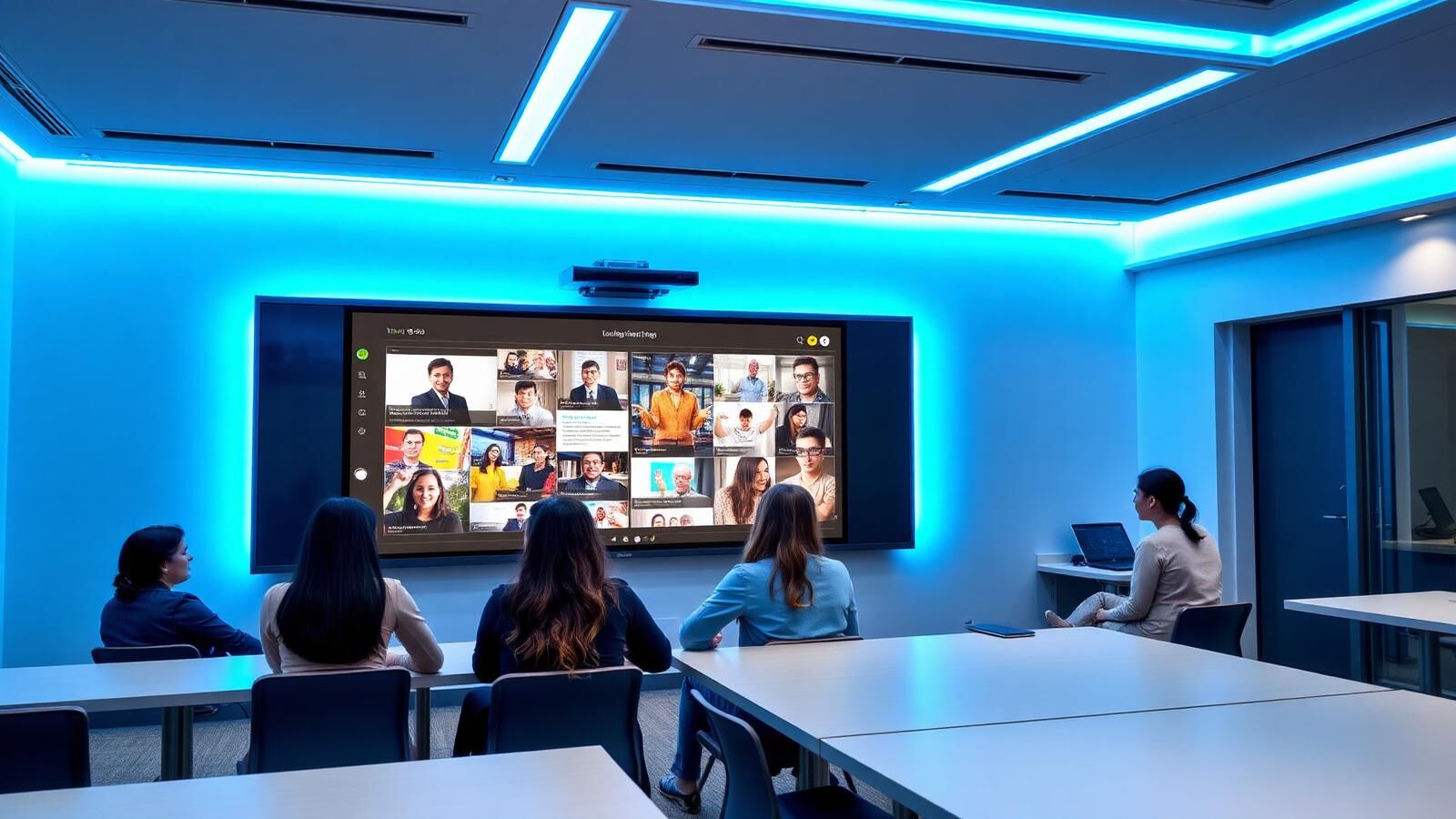
A classroom or training room with an interactive whiteboard that finally works the way teachers expect. Touch responses fast enough not to break flow, content sharing from a laptop without a cable, and a brand the IT team can actually support. CoreComms supplies, installs and trains on interactive whiteboards and touchscreen displays across the North West and West Yorkshire, Promethean, SMART Board, Clevertouch and Samsung.

WHAT WE INSTALL

Interactive Whiteboards & Touchscreen Displays.

The market has moved on from projectors-with-touch-overlays. Modern interactive whiteboards are large-format flat panels. Typically 65", 75" or 86", with built-in touch, integrated speakers, Wi-Fi, screen mirroring and, on the better models, a full Android computer that runs as standalone hardware.

That changes what they're useful for. A 2010-era SMART Board needed a connected laptop. A 2026-era Clevertouch IMPACT runs Office, Teams and Google Classroom natively, mirrors casts from any device in the room, and saves whiteboard sessions to OneDrive without anyone touching a USB stick.

We install across:Classrooms (primary, secondary, FE, HE)Training rooms in corporate estatesBoardrooms and meeting rooms (the higher-end Clevertouch UX models compete with Microsoft Surface Hubs)Healthcare training spaces and clinical multidisciplinary team rooms

End-to-end install: survey, brand selection, supply, wall-mount, cabling, network integration, single sign-on setup, and staff training so the kit actually gets used.

Classroom Interactive Whiteboards.

This is the largest part of the market and the one with the strictest requirements. Schools want kit that survives a thousand curious fingers, classroom-grade durability, integration with the school's MIS and safeguarding stack, and a vendor that'll still answer the phone in five years.

Typical school install includes:75" or 86" interactive panel to sized to the classroomVESA-compliant fixed wall-mount, or motorised height-adjustable mount for SEN classroomsCabling to a teacher's lectern with HDMI, USB and network outletsSingle sign-on integration with the school's identity providerMDM enrolment so IT can push updates and lock down settingsStaff training session with quick-reference cardsOld kit decommissioned and removed for recycling

We typically install over school holidays. Easter, summer, half-term, to avoid lost teaching time. Eighteen panels in a fortnight is normal scale for a multi-classroom rollout.

Got a project in mind? Let's scope it together.

Office & Training Room Touchscreens.

Outside education, the same hardware lands in corporate training rooms, professional services boardrooms, and healthcare team rooms. The use case is collaboration. Annotating documents in a meeting, sketching ideas with a remote team, running design reviews, multidisciplinary case discussions, rather than instruction.

For these rooms we typically specify:Higher-end models with stronger BYOD/casting support (Clevertouch UX Pro, SMART MX, Samsung Flip)Integration with Microsoft Teams Rooms or Zoom Rooms where the room is also for video callsAcoustic treatment if the room has hard surfacesRolling stands rather than wall-mounts for spaces that need flexibility

In offices, the value isn't replacing the whiteboard; it's turning the meeting room into a productive, connected hybrid workspace.

BRAND-AGNOSTIC

Brands We Supply.

We're brand-agnostic. We'll spec the right kit for the use case, the budget, and your IT team's existing tooling. A school that already runs Promethean ActivPanels across half its rooms shouldn't be buying SMART for the rest. A corporate that's already paying for Microsoft 365 should probably look at brands that integrate cleanly with Teams.

Promethean

ActivPanel range. Strong in UK schools, good ActivInspire software, decent total cost of ownership, well-supported by UK IT teams. Often the right answer for primary and secondary schools.

SMART Board

The original interactive whiteboard brand. SMART Notebook software is institutional in many UK schools (especially older estates). MX series is the current commercial range, solid hardware, slightly more expensive than alternatives, very strong in HE.

Clevertouch

UK-headquartered, increasingly the default in corporate training rooms and modern school estates. IMPACT range for education, UX Pro for boardrooms. Good Microsoft and Google integration, capable cloud whiteboard.

Samsung

Flip series for boardrooms and training rooms. Slick hardware, excellent display panels (Samsung makes the underlying screens for half the market), more limited educational software ecosystem. Best for corporate use rather than primary classrooms.

If you have an existing brand preference based on staff training and software licensing, we'll spec to that. If you're starting fresh, we'll demo two or three options at a free site visit.

Installation & Wall Mounting.

A 75" panel weighs 50kg+. The mounting can't go on plasterboard alone, it needs structural fixing or a properly-rated wall plate spanning multiple studs. We survey the wall before quoting and confirm the mount type at install.

Standard installs include:Structural wall fixing (or a Unistrut-equivalent backing where the wall isn't suitable)Cable management box behind the panel concealing power and dataCable runs to a teacher's desk or lecternHeight set to UK education guidance (centre of panel approx. 1.4m from floor)Optional motorised height-adjust mount for SEN, multi-user, or wheelchair-access requirements

We aim for "looks like it grew there". No exposed cabling, no off-the-shelf bracket showing, panel sat flat against the wall.

Want a fixed-price quote? We'll come and survey first.

Staff Training & Onboarding.

The single biggest reason interactive whiteboards stop being used is that staff weren't trained properly at install. We include a handover session in every install and offer follow-up sessions where useful:

1Day-one handover for daily users (teachers, training facilitators). Typically 60 to 90 minutes per group
2Deeper IT/admin session, software install, MDM enrolment, identity integration, troubleshooting playbook
3Six-month refresher (optional). Covers staff turnover, advanced features, and any software updates
4Quick-reference cards left on the lectern in classrooms
We've trained whole school staff bodies in single after-school sessions. The hardware does what most teachers expect within 20 minutes of being shown.
PRICING

Pricing.

Indicative bands for supply and install of one panel:

65" entry-level classroom panel + wall-mount + cabling£1,400 to £2,200
75" mid-range classroom panel + install£2,200 to £3,500
86" high-spec classroom or training room panel + install£3,500 to £5,500
Corporate boardroom / Microsoft Teams Rooms-integrated£6,000 to £12,000
Multi-room school rollout (per panel, with volume discount)£1,800 to £3,000 typical

Volume discounts kick in around 6+ panels. School holiday installs are scheduled in advance, get in touch in spring for summer-term installs.

WHITEBOARD FAQS

Common questions.

Book a Demo or Site Visit

Tell us how many rooms, what they're used for, and any existing brand preference. We'll book a free site visit, demo two or three options, and quote fixed for whichever you choose.

Or email hello@core-comms.co.uk

Same working day response · Free site survey · Fixed-price quote